Requests
Requests are a way to communicate directly with friends in games. They allow users to invite friends or bring them back to the game by sending gifts, help requests, challenges and other notifications.
Requests are one of the most efficient engagement tools. According to our statistics, they account for up to 20% of all game launches on both desktop and mobile devices.
Friends will see the request as a pop-up message and in their notification feed on the desktop website and mobile apps.
Requirements
Sending requests to friends is available in games that have passed moderation and are published in the catalog.
In games that aren't published yet, requests can only be sent to game administrators. This can help you test requests.
Implementation
Call the VKWebAppShowRequestBox event of the VK Bridge library to send a request from the game.
bridge.send('VKWebAppShowRequestBox',
  {
    uid: 743784474,
    message: 'Please send me a pickaxe with a long handle.',
    requestKey: 12345
  })
  .then( (data) => {
    if (data.success) {
      // Request sent.
      // Key:
      //   console.log('Transmitted request key: ', data.requestKey);
      // ...
    }
  })
  .catch( (e) => {
    console.log(e /* Error */);
    }
  });
In a VK game, a dialog box will appear, prompting the user to send an invite to a friend whose identifier is specified in the event call.
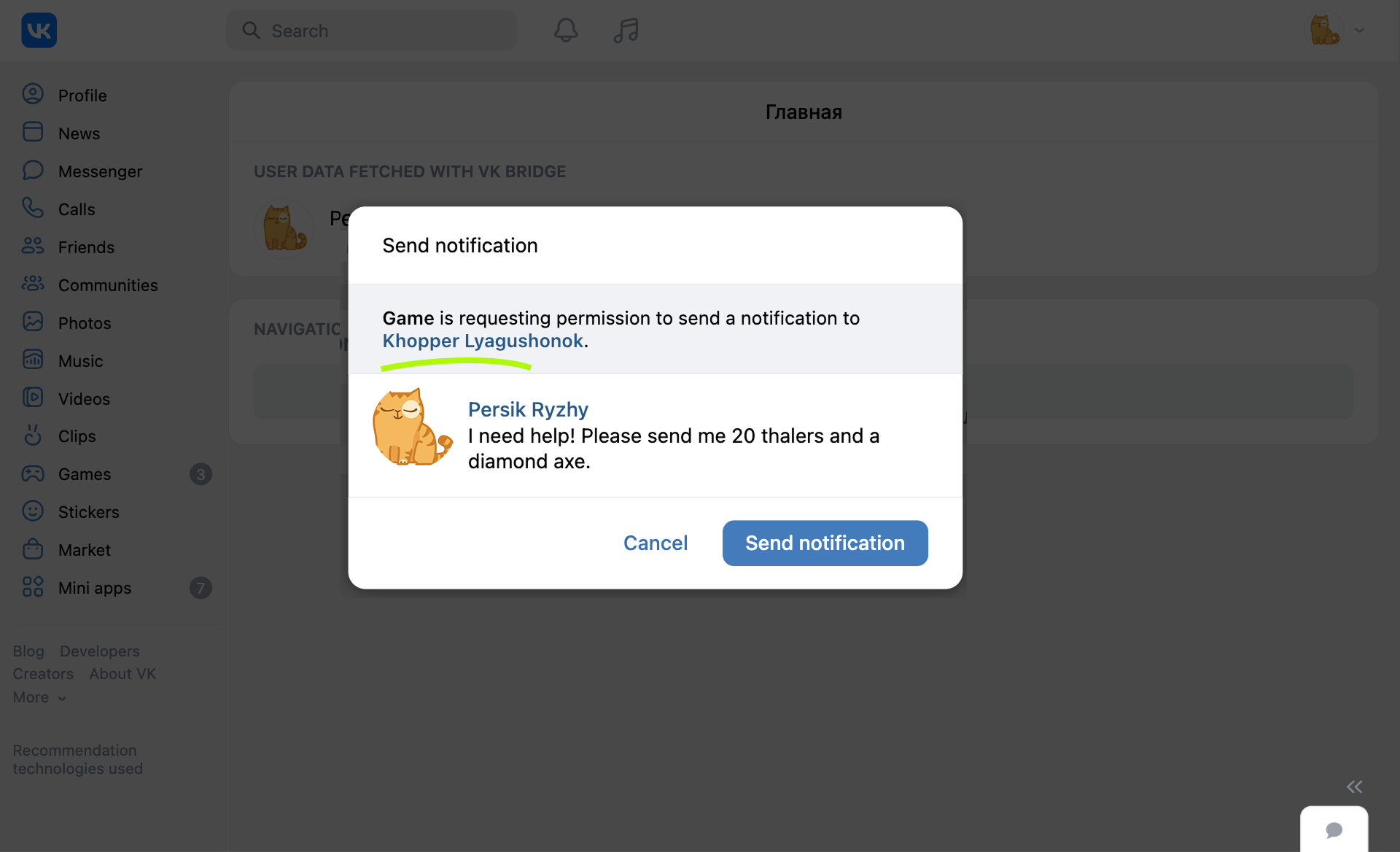 VK request example
In an Odnoklassniki game, users can select friends when sending.
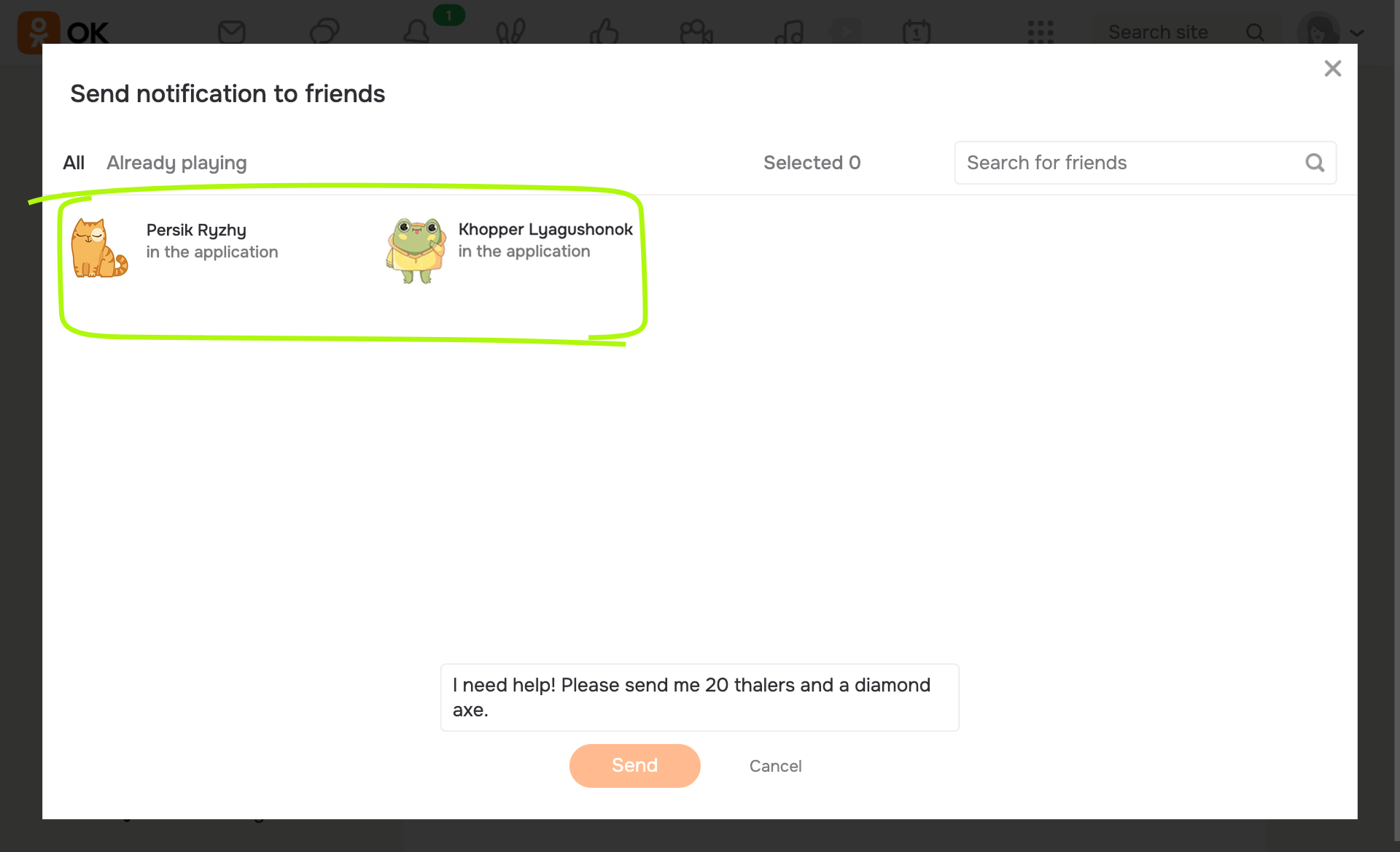 Odnoklassniki request example
If you connected the VK Bridge library in the HTML code of the page, use the vkBridge object name instead of bridge in the call.
Tips
- •Users find it convenient when the game displays a list of friends with a send button next to each name.
- •To get friend identifiers, use
friends.getAppUsersorfriends.getrequest. - •Generally, the request can be any text string. We recommend using well-designed request templates that fit your game scenarios.
- •If a user launches the game from an invite, the
requestKeyevent parameter passes to the game asvk_request_keyURL parameter. Use this value to implement the appropriate in-game scenarios and to track conversions. See Launch parameters for more information.
See also
- •
- •
- •
- •

