VK Games — Control panel
Using the control panel, you can create and configure games.
To open the list of available games and mini apps, go to the developer portal at dev.vk.ru and select Apps in the top menu. Alternatively, open the following page in your browser:
► https://dev.vk.ru/admin/apps-list
 List of mini apps and games
Then select a game from the list and press Settings. The game control panel will open.
Access
The game settings are available to its administrators. Administrators can have full or partial access to the game settings.
Delete a game
A game can be deleted by an administrator with creator permissions. The delete button is located on the Settings → Placement page.
A deleted game can't be restored.
Questions and answers
I don't see some sections. What should I do?
The visibility of sections depends on the permissions the user received when they were added to the list of administrators. Ask a user with creator rights to change your access level to the game.
Additionally, some sections may be hidden if the game isn't published in the games catalog.
Where can I find the game ID?
The game ID is displayed in the game settings, in the top right corner.
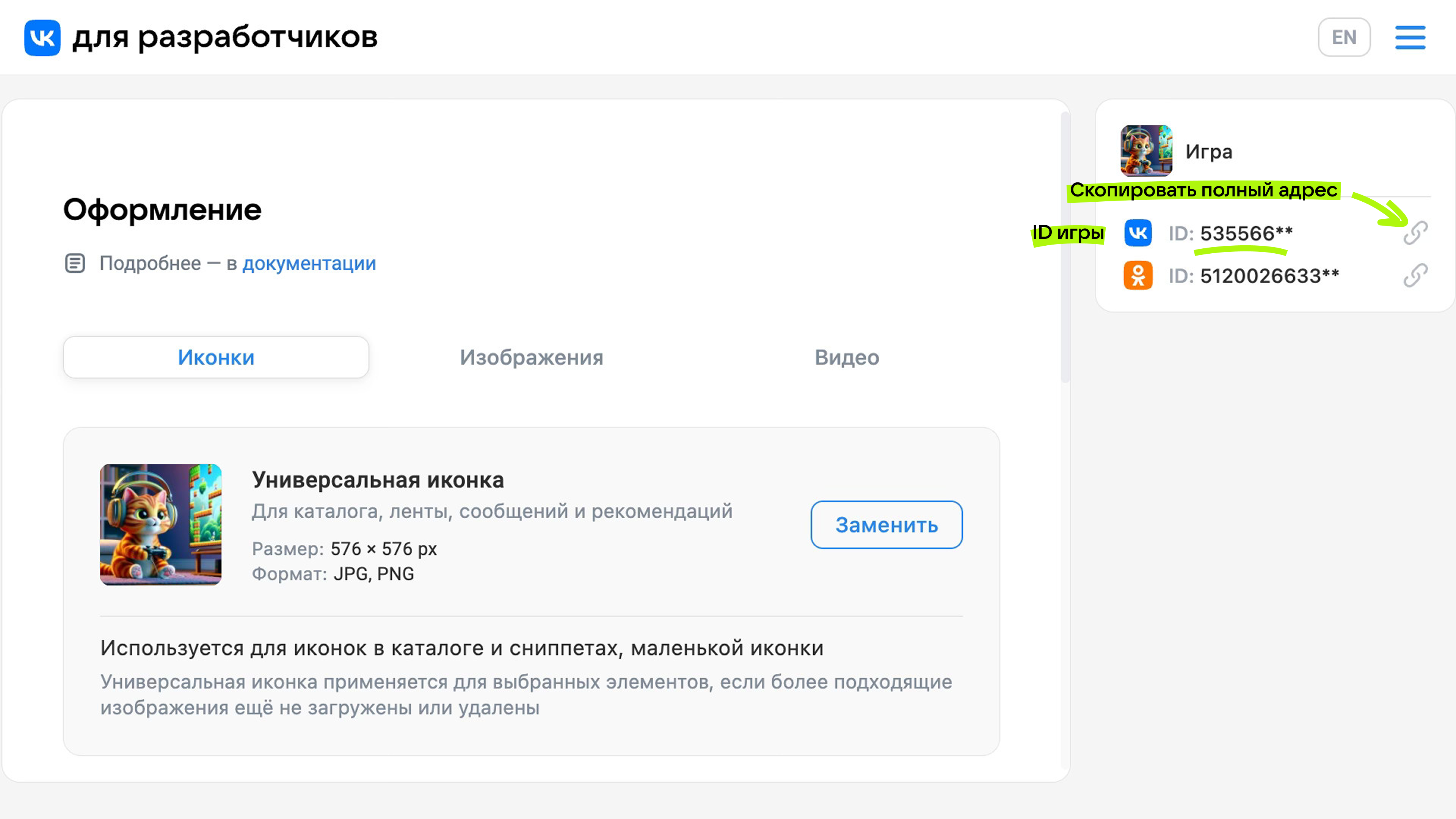 Game ID
How to launch a game from the settings page?
 Launching a game from settings
Can I stop managing the app?
Yes. This can be done in the Administrators section.
The creator of the game must first transfer creator rights to another administrator and only then stop managing the game.
Related materials
- •
- •

