Access to the app (game settings)
The Access to the app section is available to game administrators with limited access. In this section, they can view assigned rights and resign from game administration.
To open the section:
- 1.Go to the apps list.
- 2.Open the settings of the game you need.
- 3.Select Access to the app from the left-side menu.
Access
This section is available to game administrators with limited access.
For the creator and administrators with full access, this section is not available. Instead, they see another section — Administrators.
Actions in the section
Resigning from administration
To remove yourself from the list of game administrators, press Refuse access.
Editing access
Administrators with limited access can't change access permissions for themselves or other administrators. To do this, contact the creator of the game or an administrator with full access.
To find out who the creator of the app is, press the creator link at the top of the section.
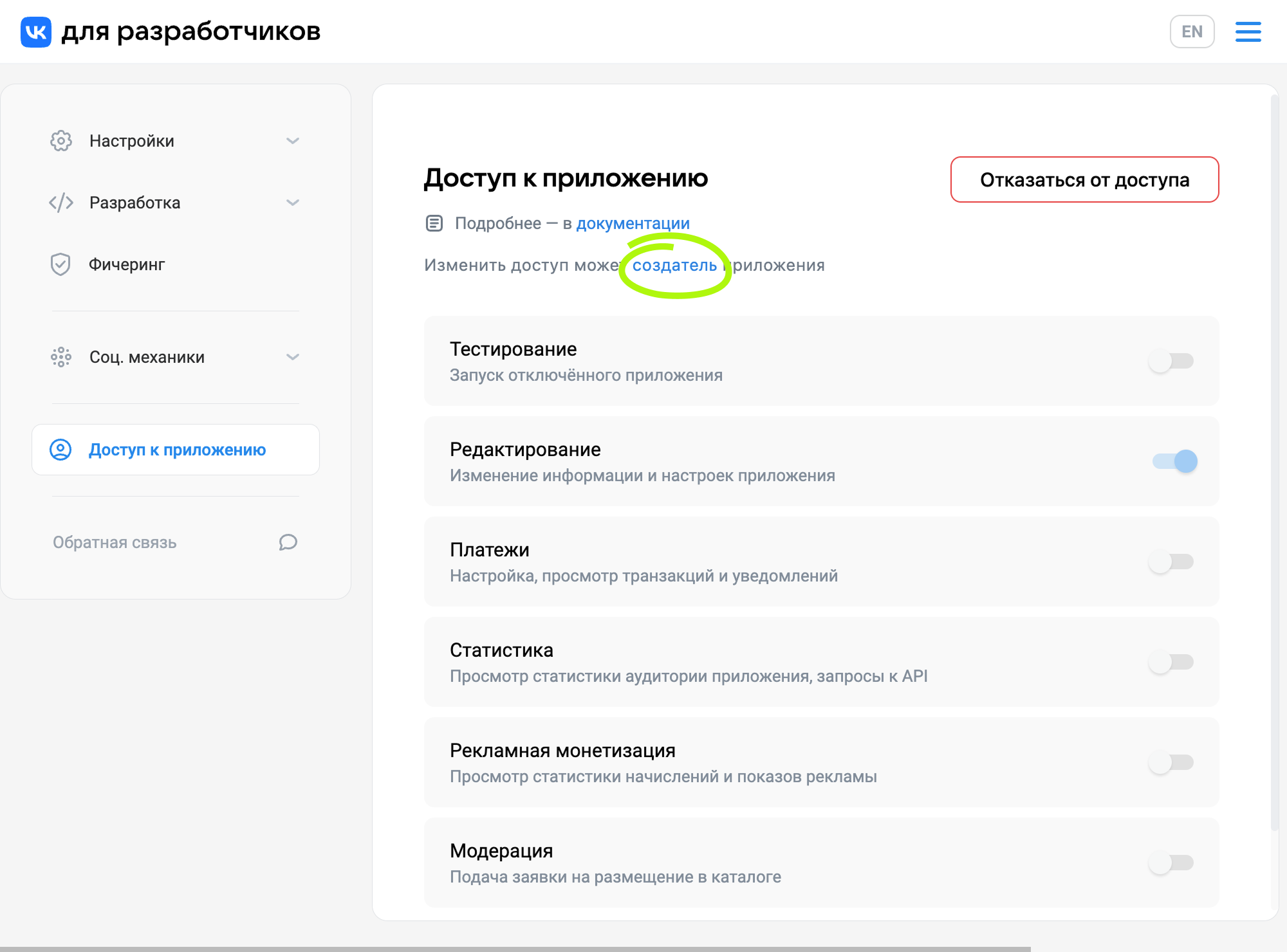 Link to the game creator
Related materials
- •
- •

