Adding a game to the home screen on Android devices
To encourage users to play more often, make the game easy to launch. The easiest way to start playing on mobile devices is to tap the game's icon on the home screen.
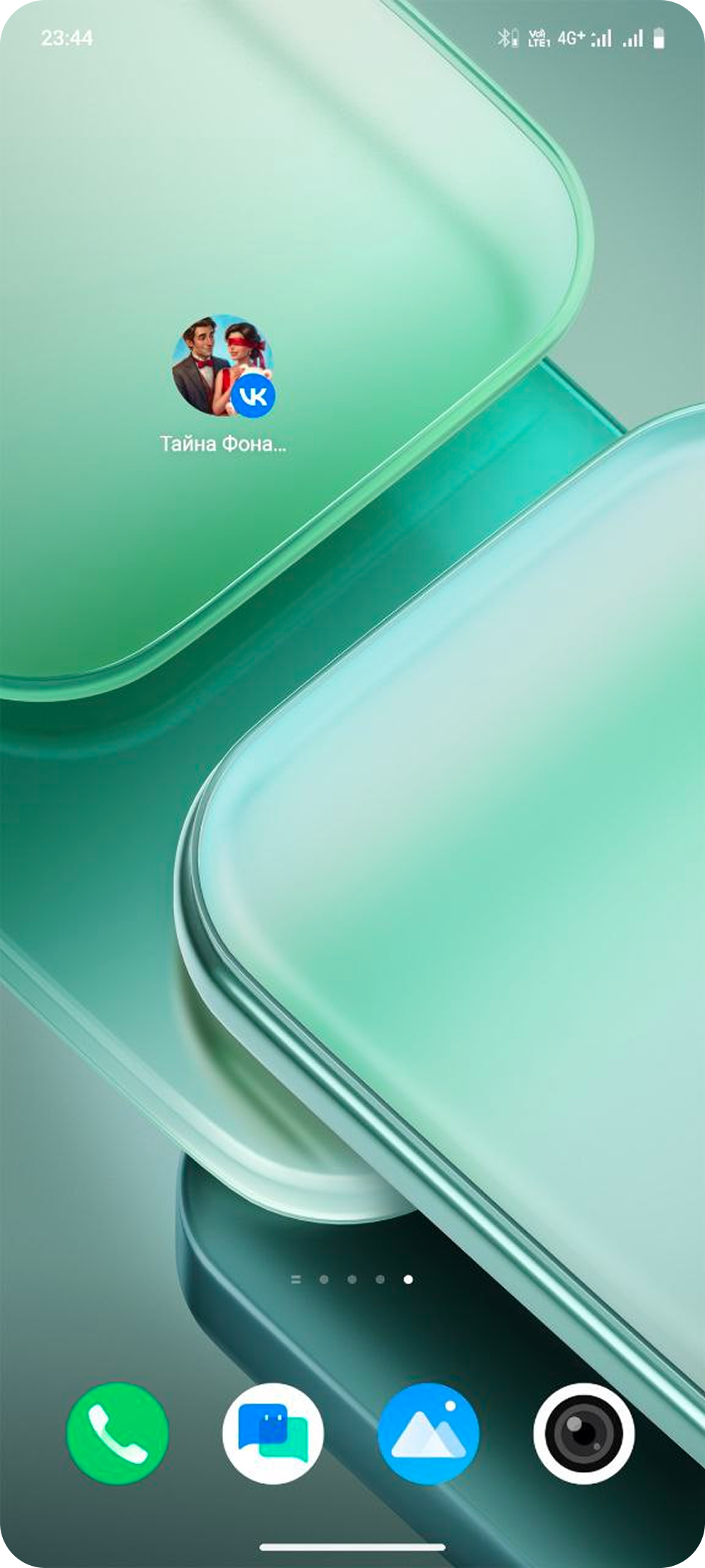 The game's icon on a home screen
When a user first launches the game, VK automatically prompts to add it to their home screen. If the user declines the suggestion, you can show the prompt again later using a VK Bridge library event.
Usage specifics
- •
Users can add a game's icon to the home screen only on Android devices.
- •
Adding items to the home screen may not work on certain Android devices, such as some Xiaomi smartphones running MIUI firmware.
VK libraries use the standard Android functionality to add the app icon to the home screen. If the device's operating system doesn't handle these requests as expected, VK libraries won't be able to add the game icon.
Implementation
Option 1
Users can add a game to their home screen from the action menu.
To do so, they need to tap the button to add the game icon to the home screen while in game.
 Adding a game to the home screen manually
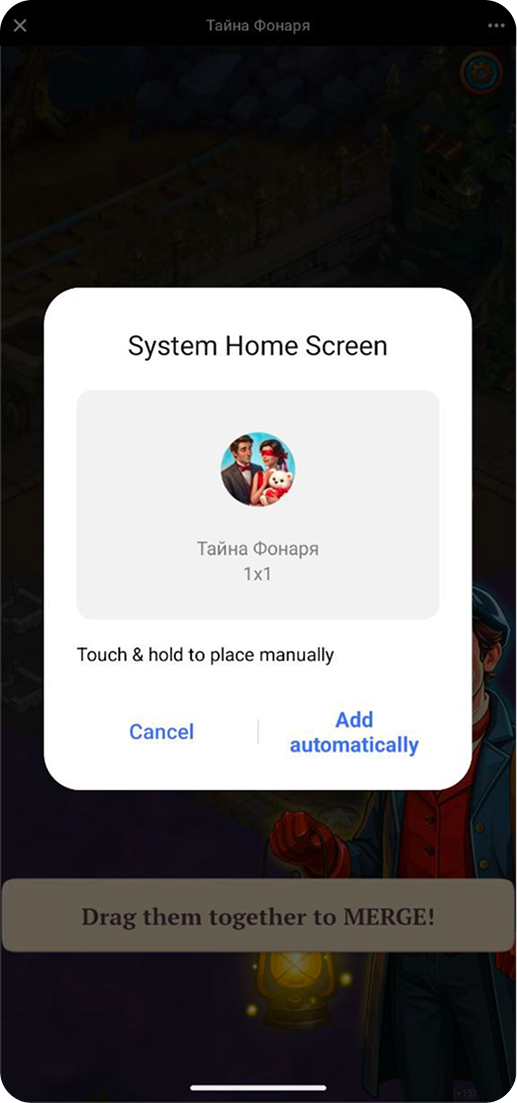 How to add an icon
After this, the game will appear on the home screen.
Option 2
- 1.
Use the
VKWebAppAddToHomeScreenInfoevent to check if the game is already added to the home screen. - 2.
Call the
VKWebAppAddToHomeScreenevent. VK will ask the user for permission to add the game to the home screen. If the user agrees, they'll see instructions on how to add the icon.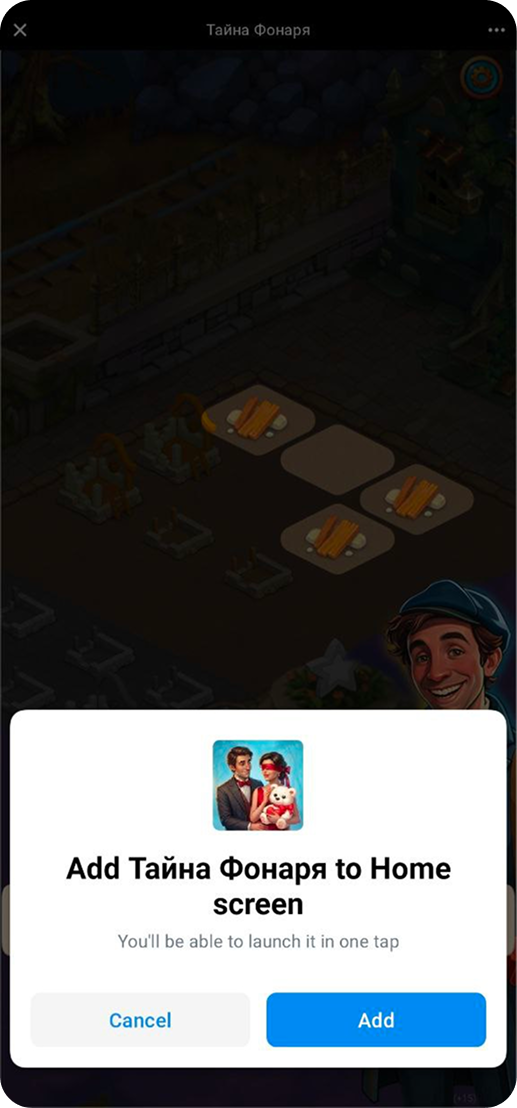 Adding a game to the home screen. Permission request
Example of using both events:
// Checking if the game is added to the home screen
bridge.send('VKWebAppAddToHomeScreenInfo')
  .then( (data) => {
    if (! data.is_added_to_home_screen) {    // If not added,
      bridge.send('VKWebAppAddToHomeScreen') // then add
        .then( (data) => {
          if (data.result) {
            // The game is added,
            // you can reward the user
            // ...
          } else {
            // The game is already added
          }
        })
        .catch( (e) => {
          // The user declined the request
          // or an error occurred
        })
     }
   })
   .catch( (e) => { console.log('Error', e); });
If you connected the VK Bridge library in the HTML code of the page, use the vkBridge object name instead of bridge.
Tips
- •Offer a reward for adding the game to favorites. Users receive a reward and ability to quickly launch the game, while you improve player retention.
- •Avoid prompting users to add the game to the home screen immediately after launch. This may cause a negative reaction.
See also
- •
- •

