The translation was generated automatically and may contain mistakes
Share in the message
Users can share the mini-app with their friends in private messages. So that users can send links to the mini-app, use the VK Bridge Library .
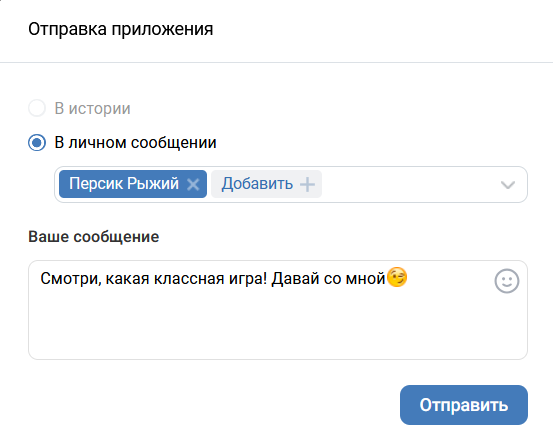 Share in message
When sent in private messages will be added snippet Mini-applications.
Please note: In the section My apps → Edit → Settings → Design You can upload an image that will appear in the snippet.
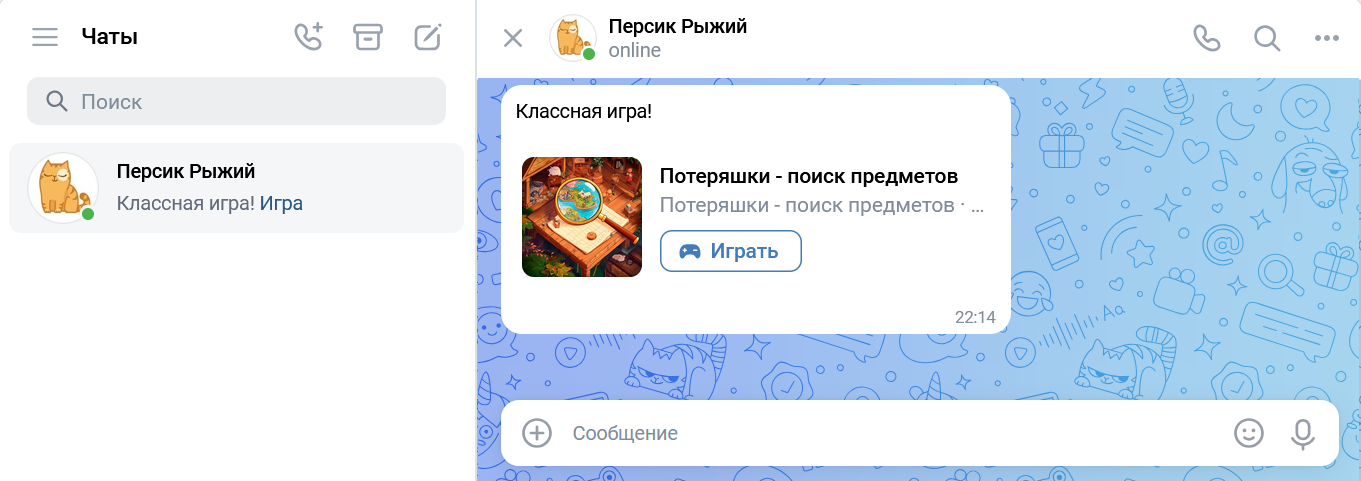 Example of a mini-app snippet in a private message
How to implement
To share a mini-app, call the event VKWebAppShare Libraries VK Bridge .
Example of a call:
bridge.send('VKWebAppShare', {
  link: 'https://vk.com/vkappsdev'
  })
  .then((data) => {
    if (data.result) {
      // Сообщение отправлено
    }
  })
  .catch((error) => {
    // Ошибка
    console.log(error);
  });
If you have a VK Bridge library hTML code of the page , use the object name in the call vkBridge instead of bridge .
On the Android platform at the event VKWebAppShare There is an opportunity to choose Share in History . More information about the placement in the history - in the section Stories in the user profile .
Materials on the topic
- •
- •
- •

