Monetizing mini apps on the VK Mini Apps platform
Start earning as soon as your app attracts its first users. A mini app can become a source of income for its creators through monetization tools. To generate revenue and grow your project, set up either ads or sales of digital, physical or virtual products in your app.
How to enable monetization
- 1.
Analyze your project and its target audience, then choose the monetization method that fits best, either votes or real money.
A mini app can't use both votes and money at the same time. However, you can use both ads and product sales to increase your revenue.
- 2.
Implement the selected monetization method in your app code. Set up ad screens and transitions or add features that become available after payment. To do this, use the VK Bridge library.
- 3.
Make sure your app follows VK guidelines:
- •
- •
- 4.
Configure your mini app in the control panel and submit it for review. For more information see the Moderation (mini app settings) section.
- 5.
Enable monetization in the control panel and add your app to the payout account.
- •
If the app hasn't passed moderation or the payout account isn't configured, only test ads and test payments will be available.
- 6.
Monitor monetization metrics and user feedback to adjust your strategy if needed. You can get statistics in the app control panel and in the payout account.
- •
- •
- 7.
Receive your income through the payout account. For more information, see the Withdrawing funds section.
Ads in mini apps
 Ads in mini apps
Users see ads in the mini app interface as banners or video clips. For each ad viewed, the app developer receives a reward. The amount may vary depending on the ad format and the terms of cooperation with the advertising platform. Income from ad monetization can be withdrawn through the payout account.
For more information see the Ads in mini apps section.
Recommendations
- •
Use rewarded ads to let users earn virtual rewards. These can include in-app items or temporary access to extra features.
- •
Place interstitial ads between screens at moments when users are waiting for a process to finish, such as loading a new view, generating a report or moving to another feature.
- •
If you want to show ads in a small section of your app interface, use banners.
- •
You can also offer users the option to remove ads from the mini app in exchange for votes.
Tips and guidelines
- •
Avoid showing ads too frequently. Too many ads can drive users away.
- •
Don't rely on ads as the only way for users to earn rewards in the app. Create other progress mechanics to keep them engaged.
- •
Artificially increasing ad views is prohibited. The VK Mini Apps platform may disable monetization or apply other penalties for such actions.
- •
Income from ads becomes available for withdrawal after a ten-day delay. Until then, only preliminary stats are shown in the payout account.
Selling products
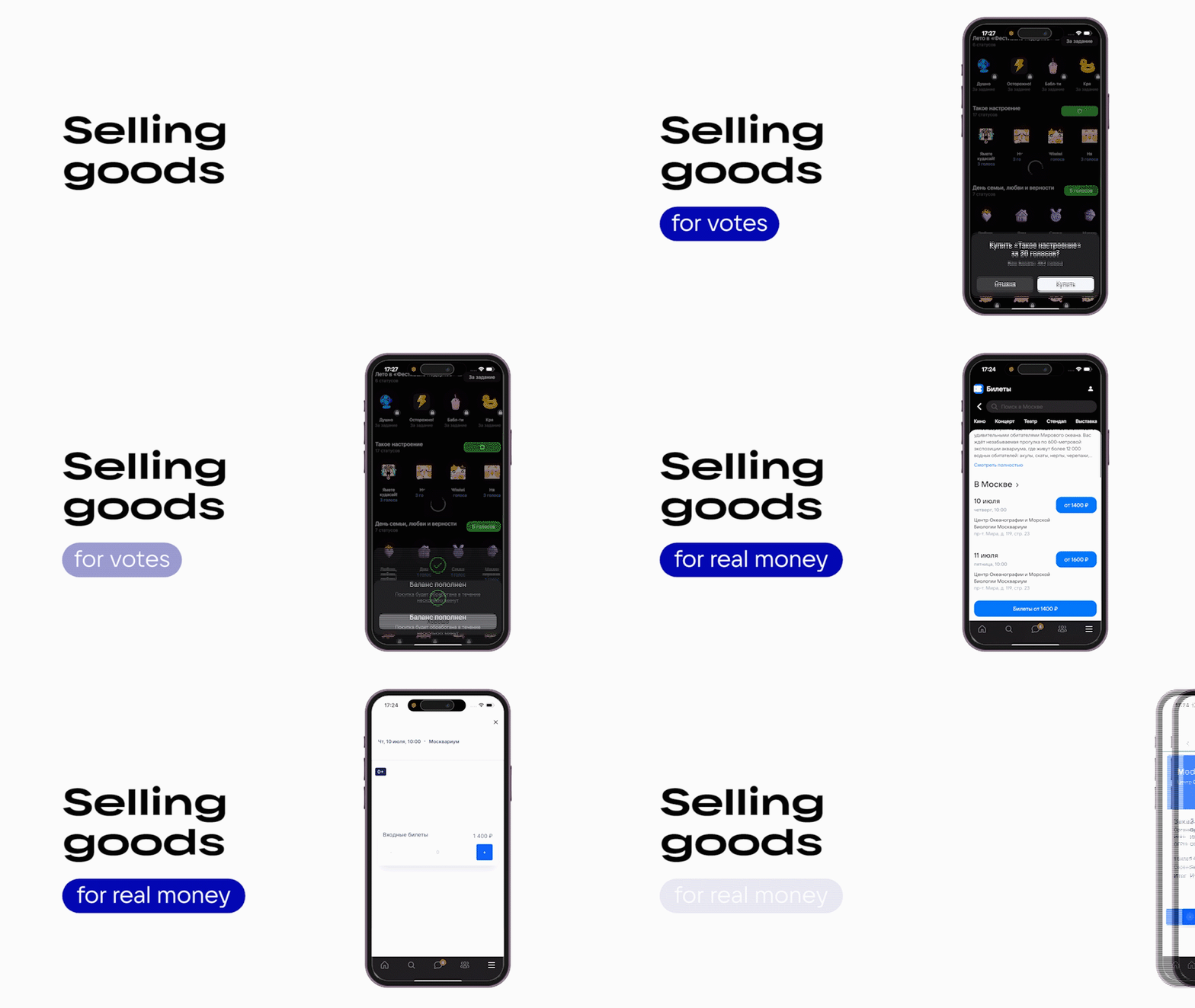 Selling products for votes or money
Selling products in mini apps is one of the available monetization methods. Users can purchase items or services, in-game currency or subscriptions, and you earn revenue. When a user makes a purchase, a payment window appears in the app. After the transaction is completed, the funds are sent to your account, and votes are reflected in the payout account.
For more information see the Selling products section.
Recommendations
- •
If your mini app offers any kind of value, products or services, you can sell them for votes or real money.
- •
If your product can be enhanced with a subscription (for example, extra features or higher limits), consider adding subscriptions for votes in your mini app.
Tips and guidelines
The monetization method you choose for selling products must follow platform rules:
- •
- •
Selling physical products for votes or virtual products for real money isn't allowed in mini apps.
Withdrawing funds
To withdraw revenue earned from showing ads and selling virtual goods, sign up to the payout account.
- •
- •
Important. To withdraw funds through the payout account, the user with mini app creator permissions must be registered as an individual entrepreneur, self-employed individual or legal entity.
To withdraw funds from the sale of digital and physical goods, use payment systems provided by operators licensed by the Central Bank of the Russian Federation to conduct banking operations. Learn more in the Approved payment methods section.
Related materials
- •
- •
- •
- •
- •

