Where settings are used in the interface
The settings from the Design section are used in various parts of the user interface of social platforms. Below are typical examples and explanations of which setting is applied on which screen.
Launch screen
When the game is loading, VK uses the Launch screen setting.
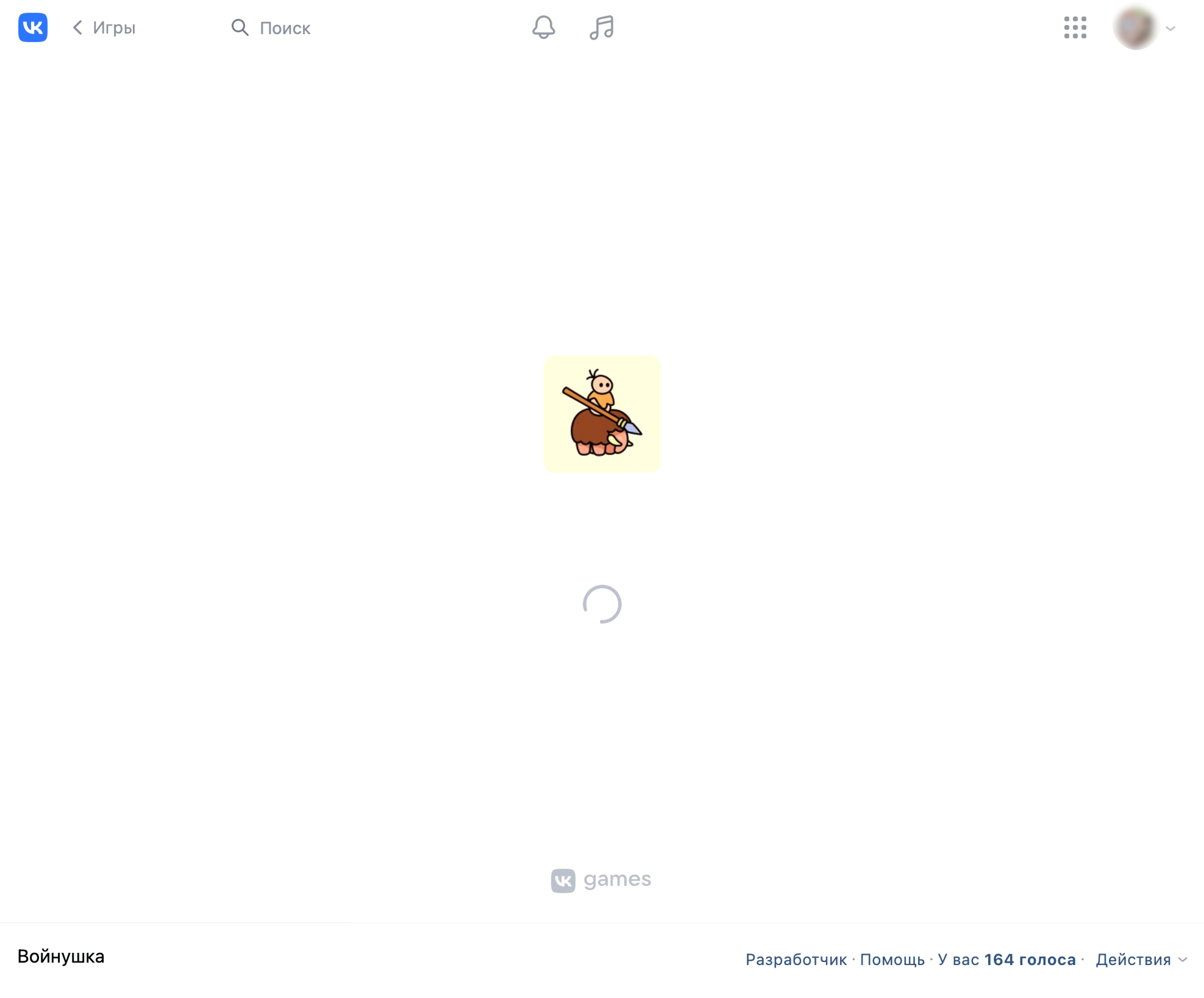 Launch screen of a game from the catalog on the desktop version
 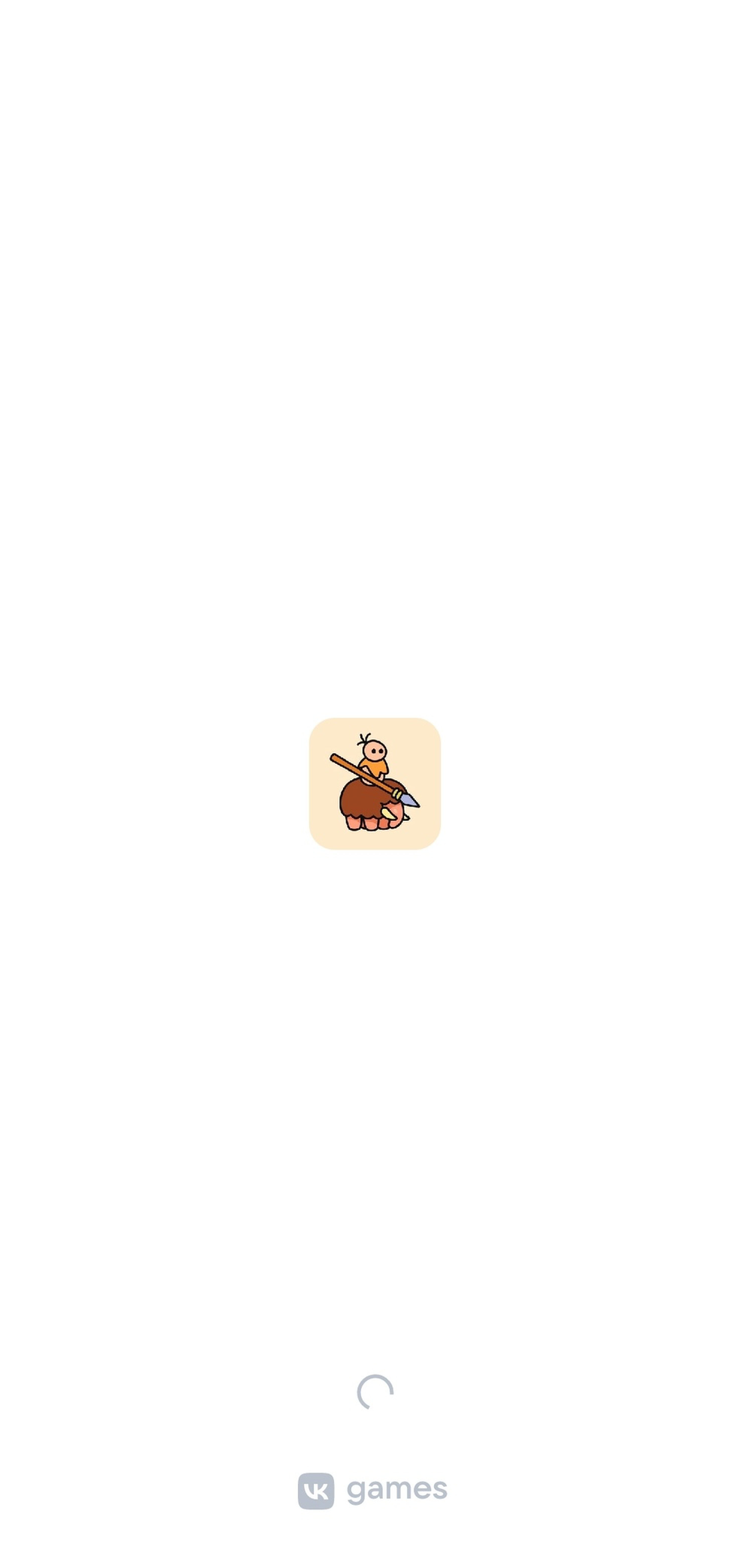 Launch screen of a game on a mobile device
Games catalog
Featured today collection
The Featured today collection is located at the top of the games catalog. It is also called the banner carousel.
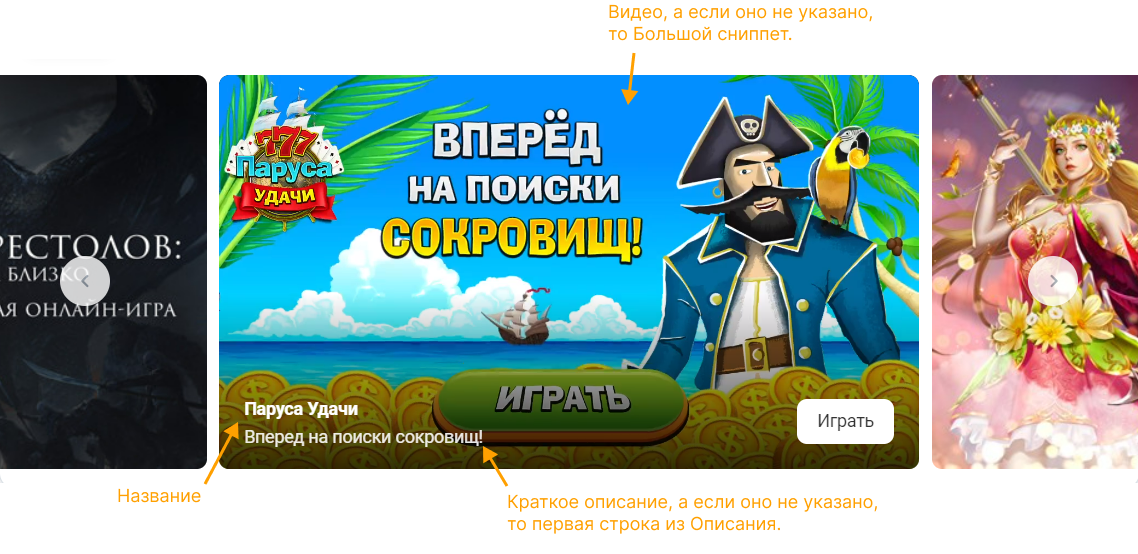 Example of a block in the banner carousel
Collections using the Large snippet
The image specified in the Large snippet setting is used in the games catalog in collections where a large image is required. As accompanying text for such an image, Short description or Slogan is added.
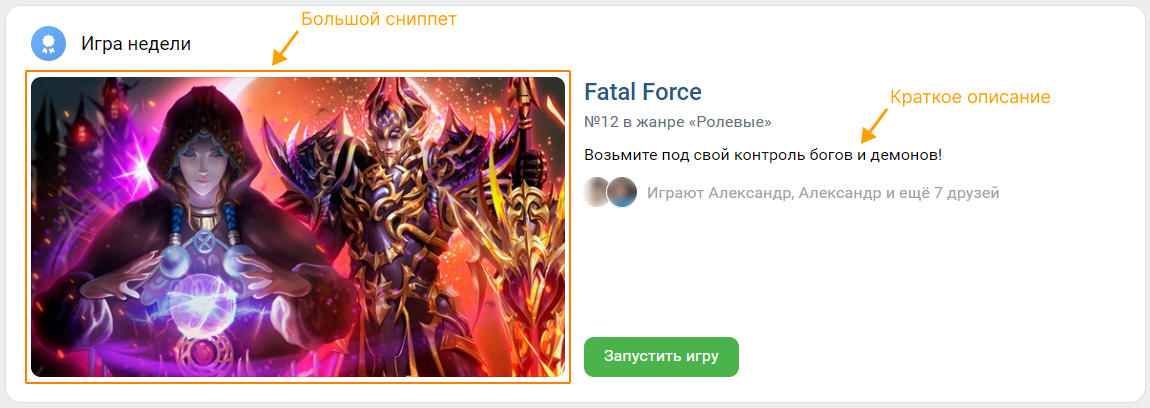 Large snippet in Game of the Week collection
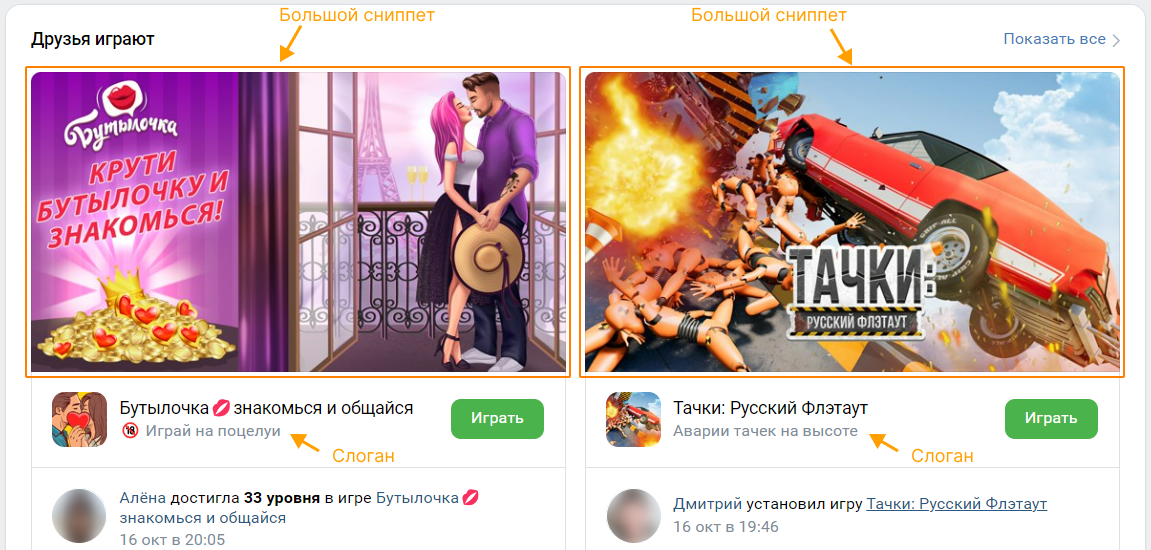 Large snippet in Friends playing collection
Other collections
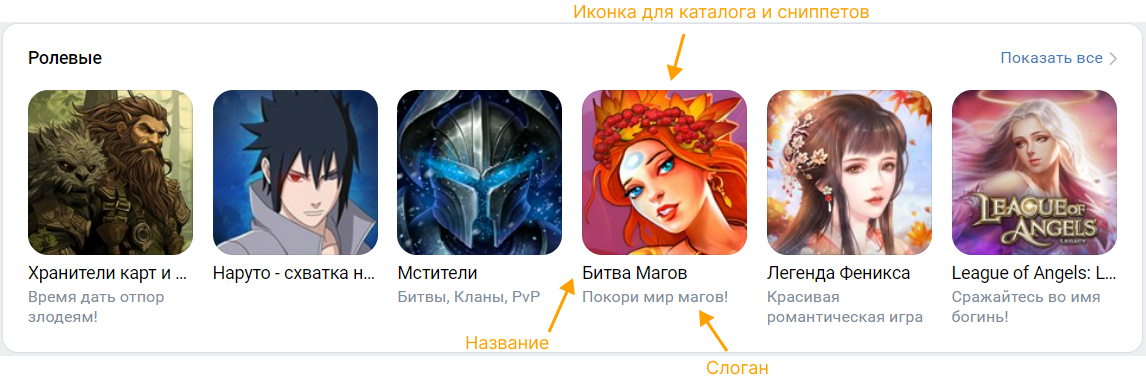 Game in the catalog on the desktop version
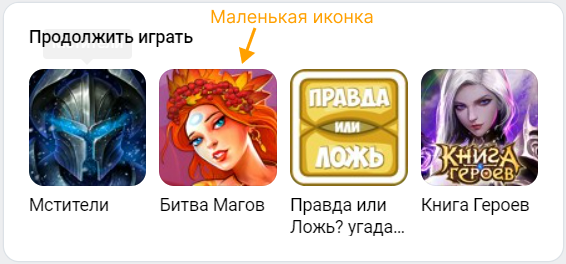 Example of a game icon in another collection
Game card
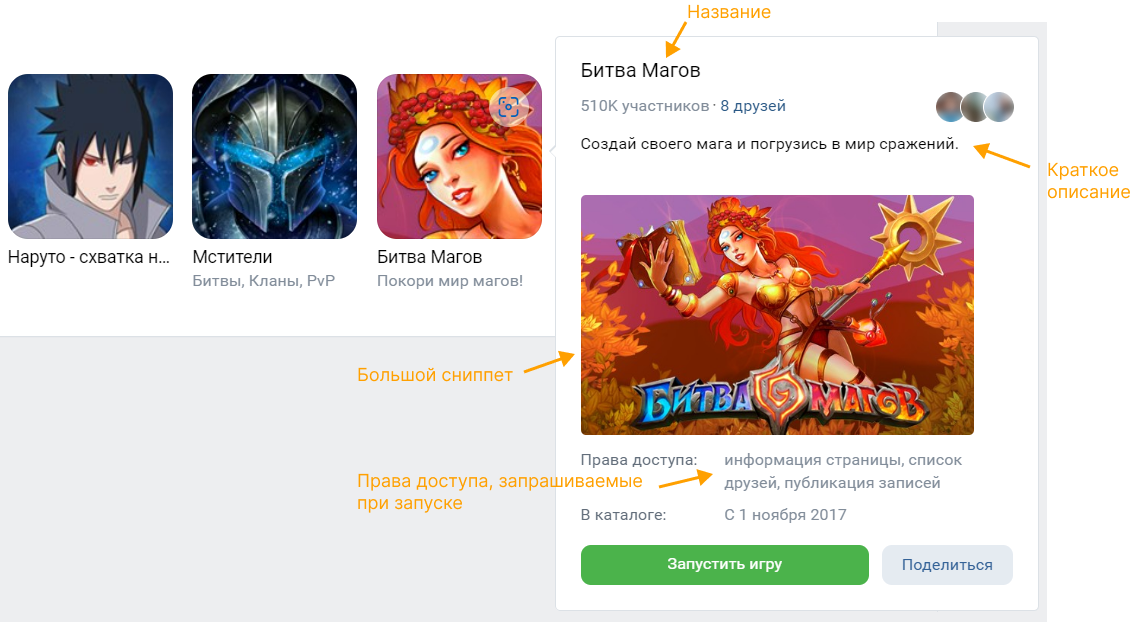 Popup game card in the catalog
Search results in catalog
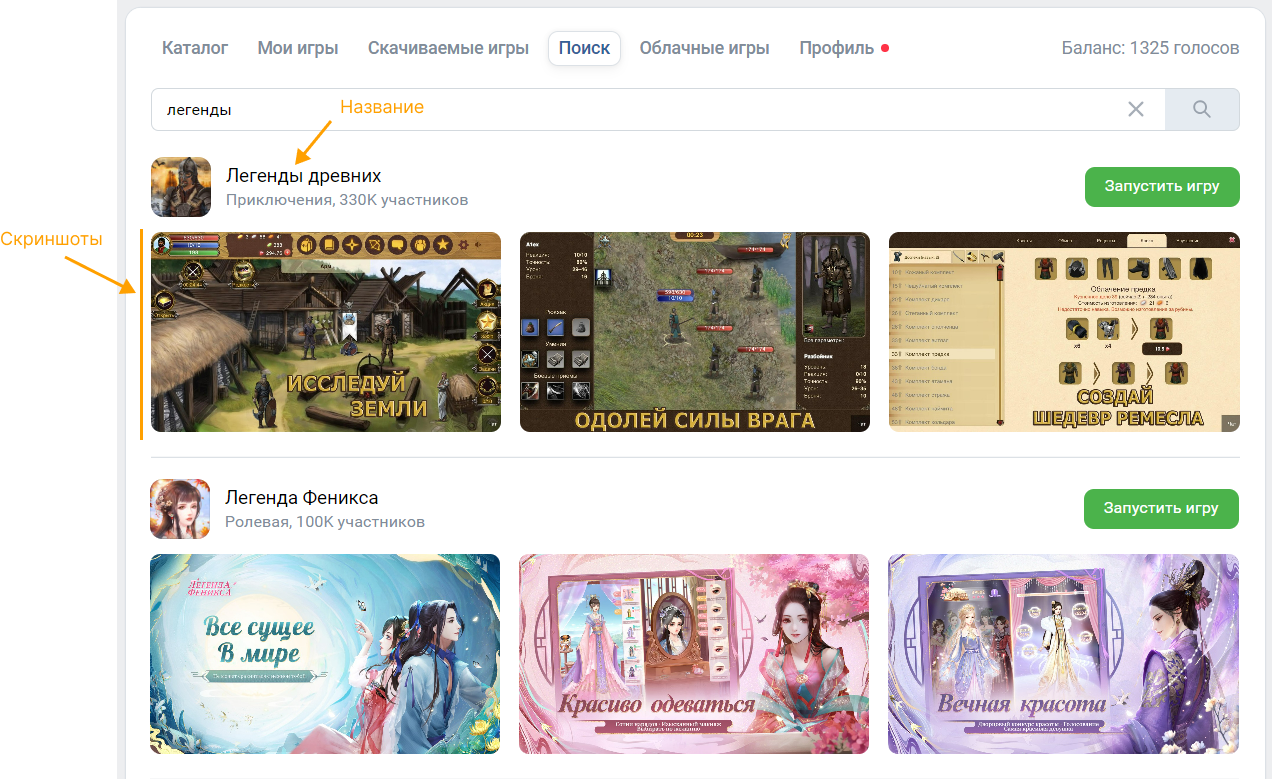
Snippets in messages
If a message contains the app adress of a game, VK displays a snippet of the game.
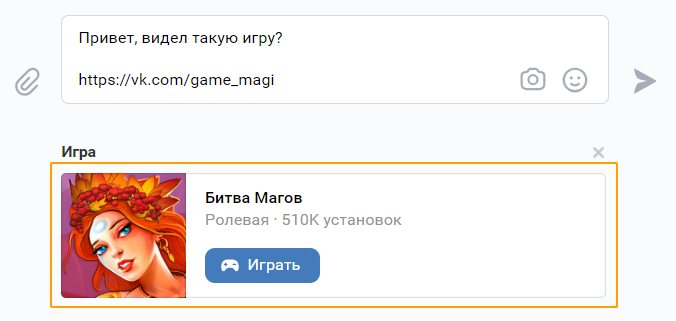 Example of a snippet
In messages, the Small icon is used to display snippets.
Game icon in notifications
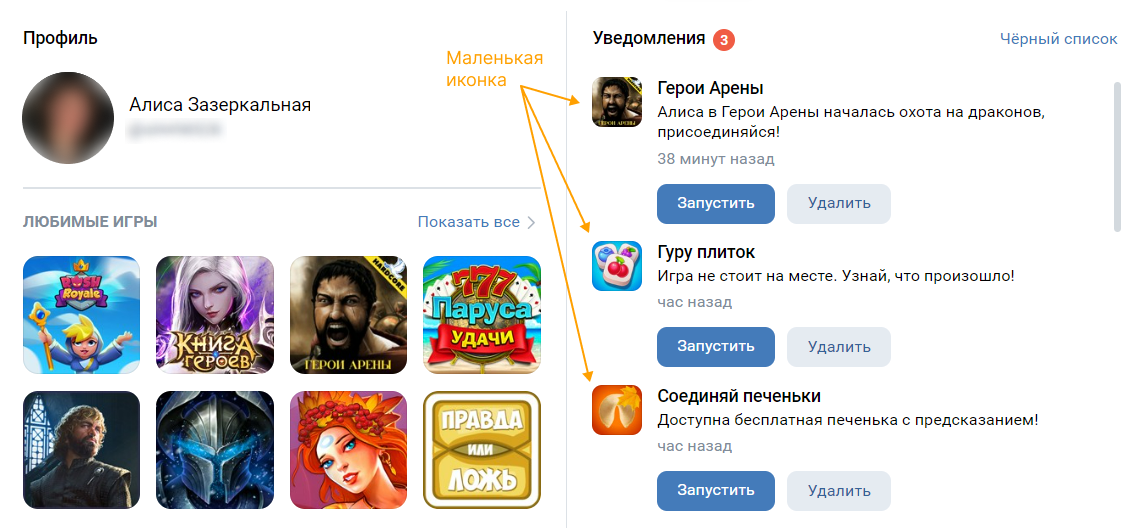 Example of the notification feed
Blocks in news feed
Featured games can be displayed in the news feed. For such blocks, the image from the Large snippet setting is used.
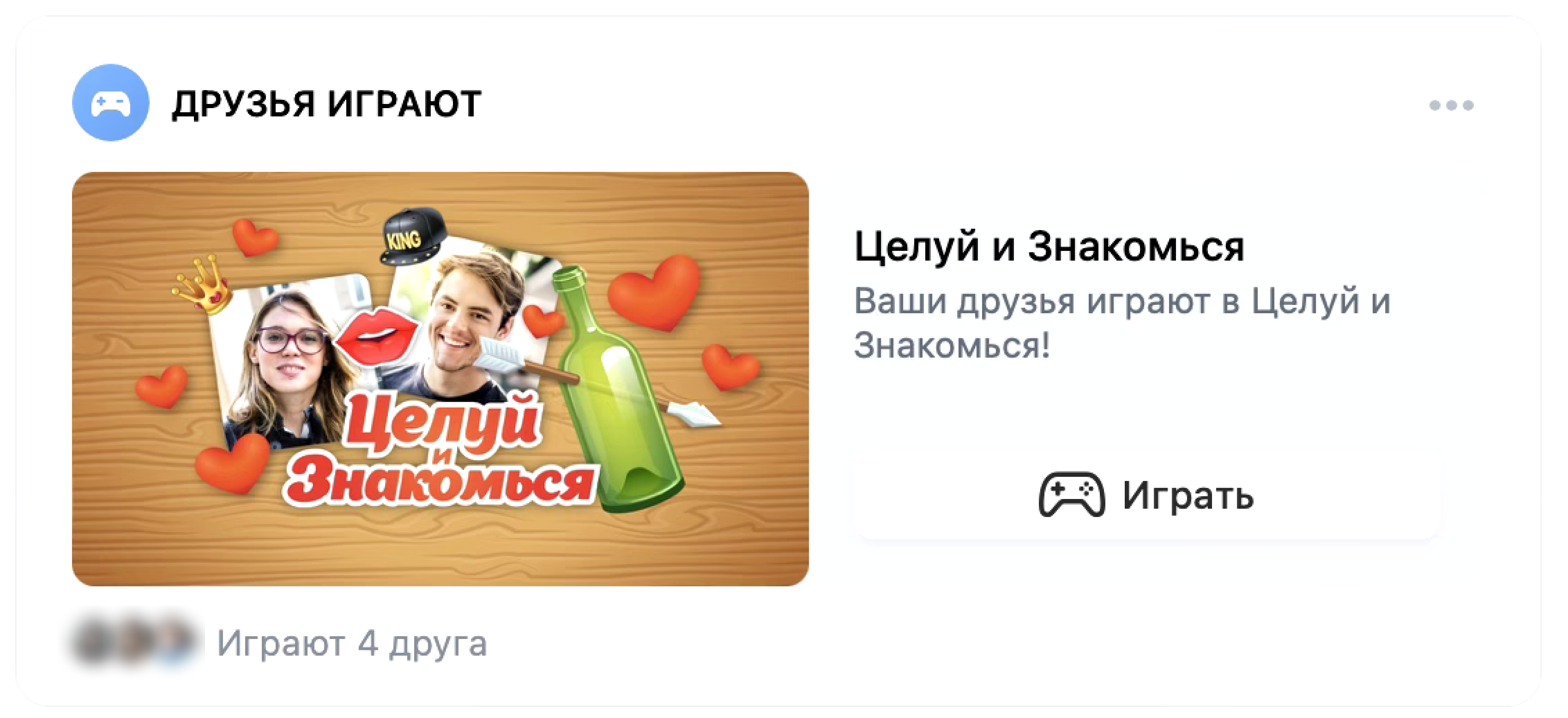 Featured game in the news feed
Pre-launch game screen
Attention! The screen can be displayed only before launching games created before August 8, 2024.
 Launch screen of a game from the catalog on the desktop version
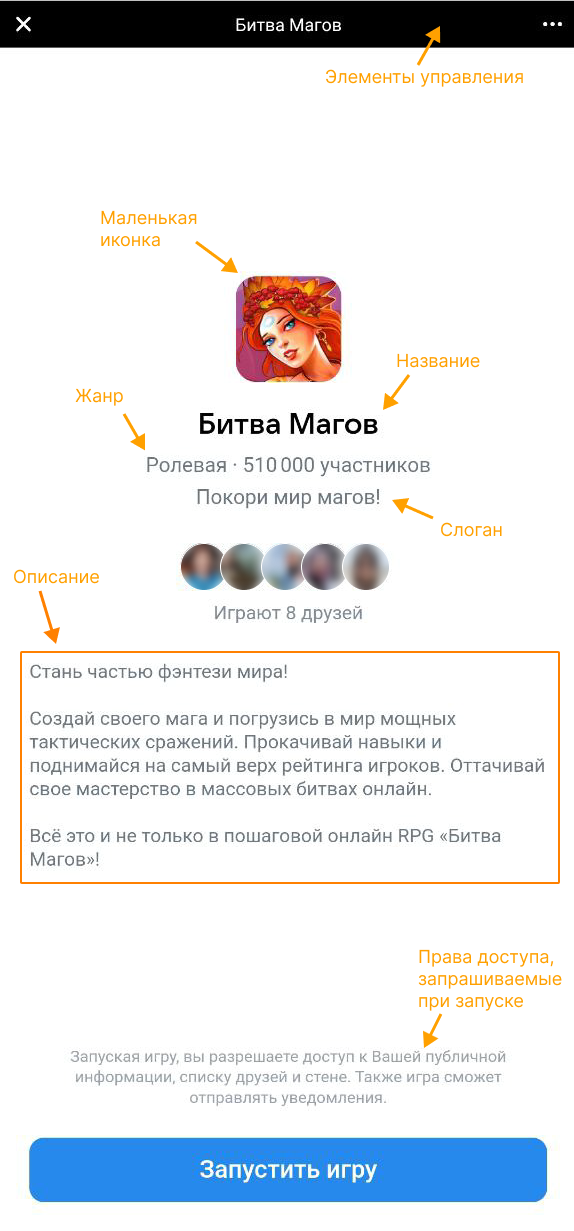 Launch screen of a game on a mobile device
Related materials
- •
- •
- •

