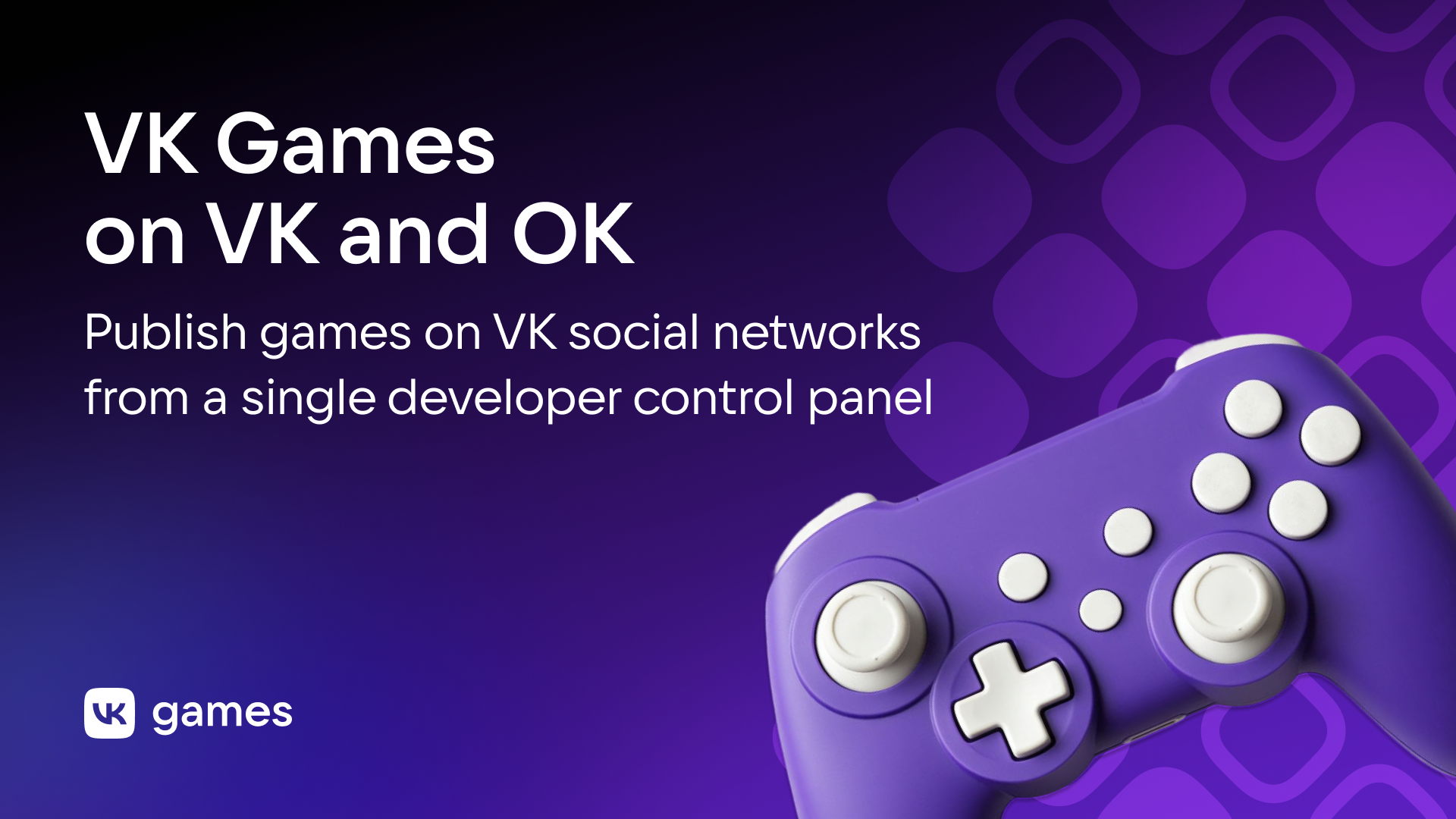
VK Games on VK and OK: publish games on VK social networks from a single developer control panel
Game distribution is reaching a new level: starting 26 November 2025, you can publish projects simultaneously on VK and OK and manage them from the control panel at dev.vk.com. We have brought all processes together, including creation, updates, analytics, monetization, moderation and support. All of this is available in a single window for developers.
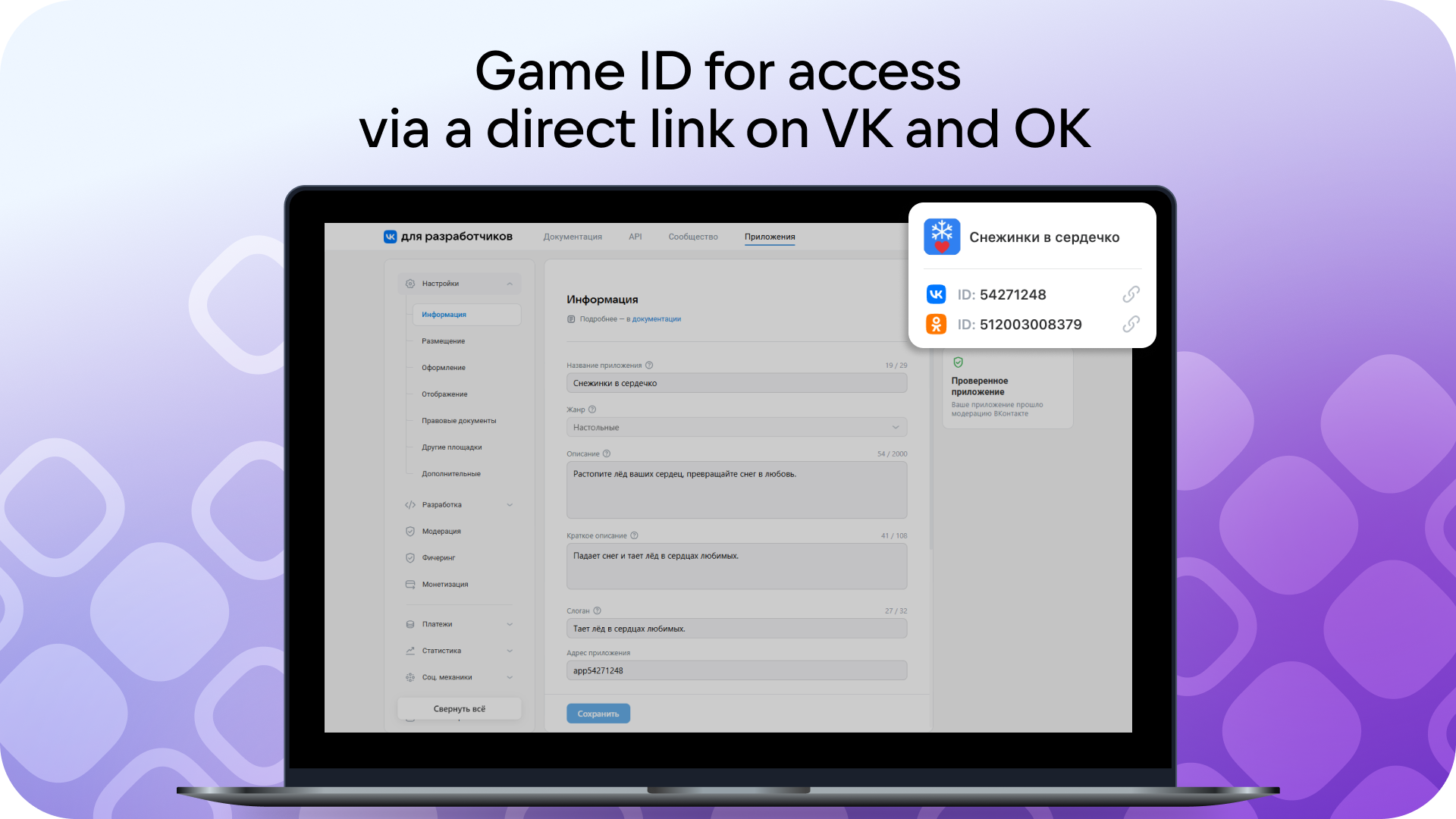
To create a new game, register it at dev.vk.com. The main administrator must link the user VK ID and OK ID in the Other platforms section. After that, the game will be available via links in the following formats: ok.ru/app/<OK ID> and vk.ru/app<VK ID>, where OK ID and VK ID are the unique identifiers of your project on each social network. They are shown on the right side of the control panel widget at dev.vk.com. You’ll then get access to test the game on OK and prepare it for moderation. Learn more in the documentation.
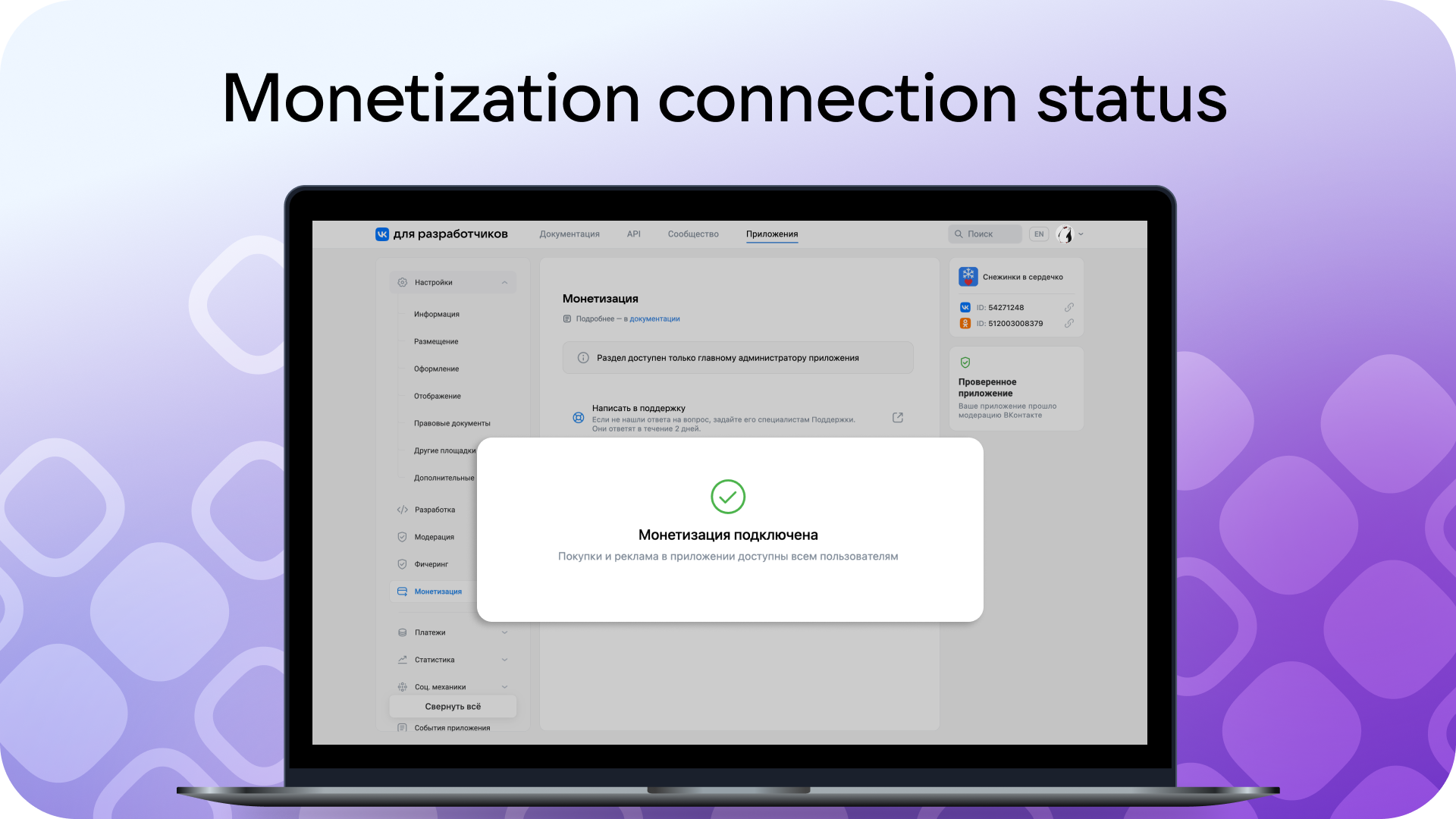
Withdraw earnings from ads and virtual goods sales across all platforms through a unified Payments account. Register in the Payments account, connect your game there and pass moderation. After that, you’ll be able to withdraw earned funds from all platforms and distribution channels. How to enable monetization is explained in the documentation.
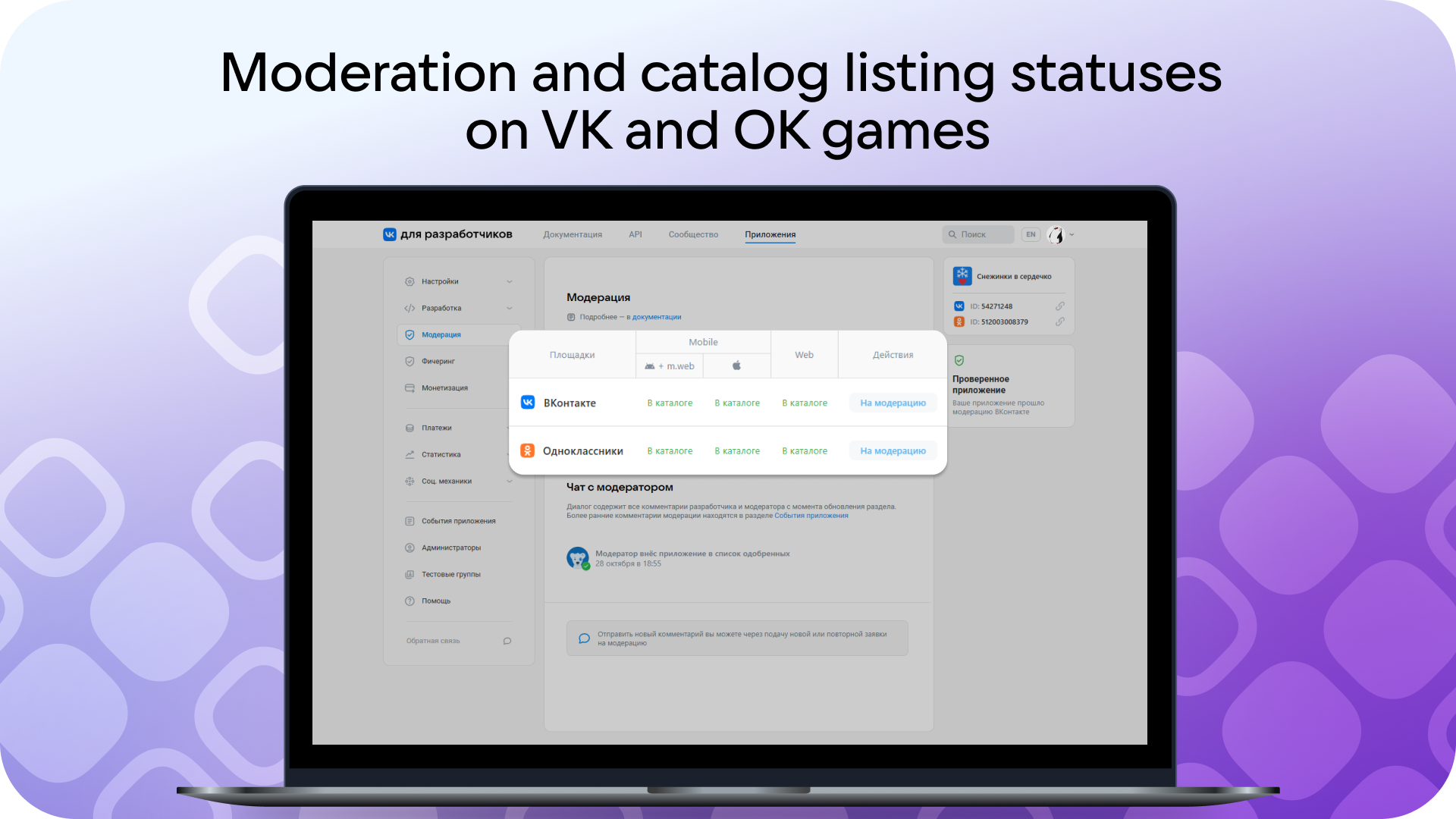
Launch your game in the VK and OK catalogs simultaneously. In the Moderation section, select the platforms your project supports (Mobile, Web or both) and submit a request for publication in the social network game catalogs. The process and interface of developer-moderator interaction are the same for both platforms. How to get added to the catalog is explained in the documentation.
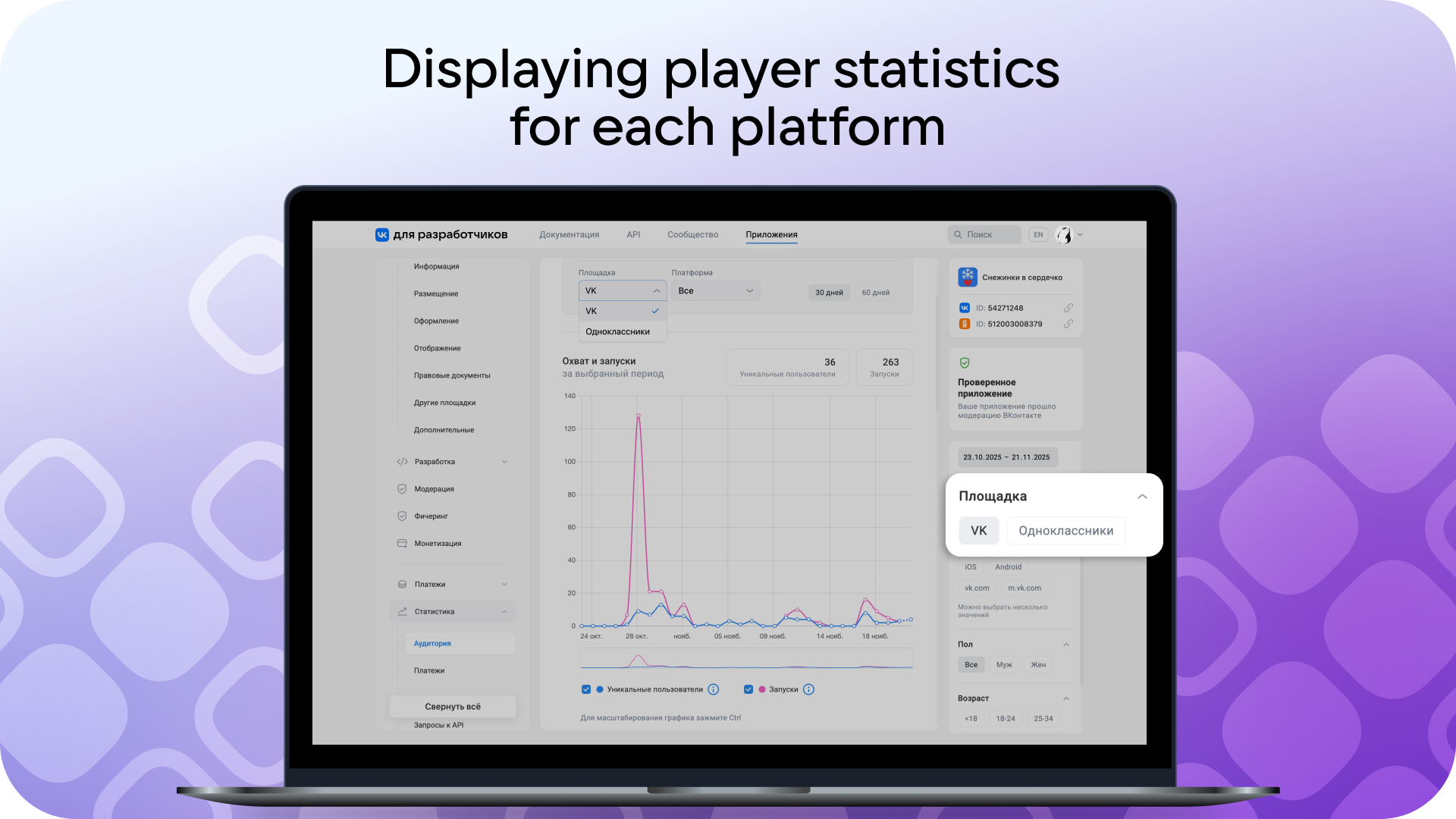
Track your game's metrics in the single developer control panel across both platforms. After being added to the catalogs, data on your VK and OK player audiences will appear in the Statistics section, where filters for segmentation are also available.
Take the specifics of each social network into account when implementing social features. This will help attract and retain players on each platform in the formats they are used to.
On VK and OK, you can publish HTML5 games for mobile devices and computers that are built on the VK Mini Apps platform. The key to success is integrating the VK Bridge library. The behavior and usage of methods can differ between the social networks. What to consider in your game code for VK and OK is explained in the documentation.
If you’ve previously published games on OK:
• Published games remain available for management as before. Support processes and interaction with the OK platform are handled through Jira.
• From 26 November 2025, registering and publishing new games on OK from the control panel on ok.ru is no longer available. It’s now only possible using dev.vk.com.
• Documentation on creating and publishing games and mini apps on OK is available on dev.vk.com.
• If new games are registered through dev.vk.com, they’ll get added to the OK catalog after moderation. The Soft Launch stage is no longer required.
Publish your project on both social networks right now:
• If you want to launch a game on VK and OK simultaneously for the first time, follow the documentation.
• If your game is already published in the VK catalog and you want to publish it on OK, submit a request for moderation and catalog publication.
• If the game is published on OK and you want to launch it on VK, you can register the project on dev.vk.com again. Follow the step-by-step instructions, enable monetization and submit a request for catalog listing. If you want to launch the project on both social networks from the unified developer control panel, you’ll need to delete the first version of the game registered onok.ru. If a duplicate appears, the new request for listing in the OK game catalog will be rejected.
What has changed for mini apps?
Developers can now launch projects on VK and OK at the same time. To do this, the main administrator must link the user VK ID and OK ID and submit a request for moderation. After that, the mini app will be available via a link in the format ok.ru/app/<OK ID>, where OK ID is the unique identifier of your project, shown on the right side of the control panel widget at dev.vk.com.
Ads and social features will help attract an audience. In the Statistics section of the service settings, charts will display data on users from each social network. In the connected unified Payments account, you can track earnings from both platforms and withdraw funds.
Learn more about publishing mini apps on OK in the documentation.
Try it out and reach new heights among users!
If you don’t find the answer to your question in the documentation, contact Support. Follow the news in the VK Mini Apps community on VK 💜